The Owlly assistant · in every plan
Say what to do.
Owlly prepares it, you approve.
You ask about your numbers or give a change: in words, with an Excel file, a PDF or a photo. Owlly shows every change before it makes it, and waits for your “Apply”.
14 days of the whole back office free · no card · the assistant works from day one

One sentence instead of five screens.
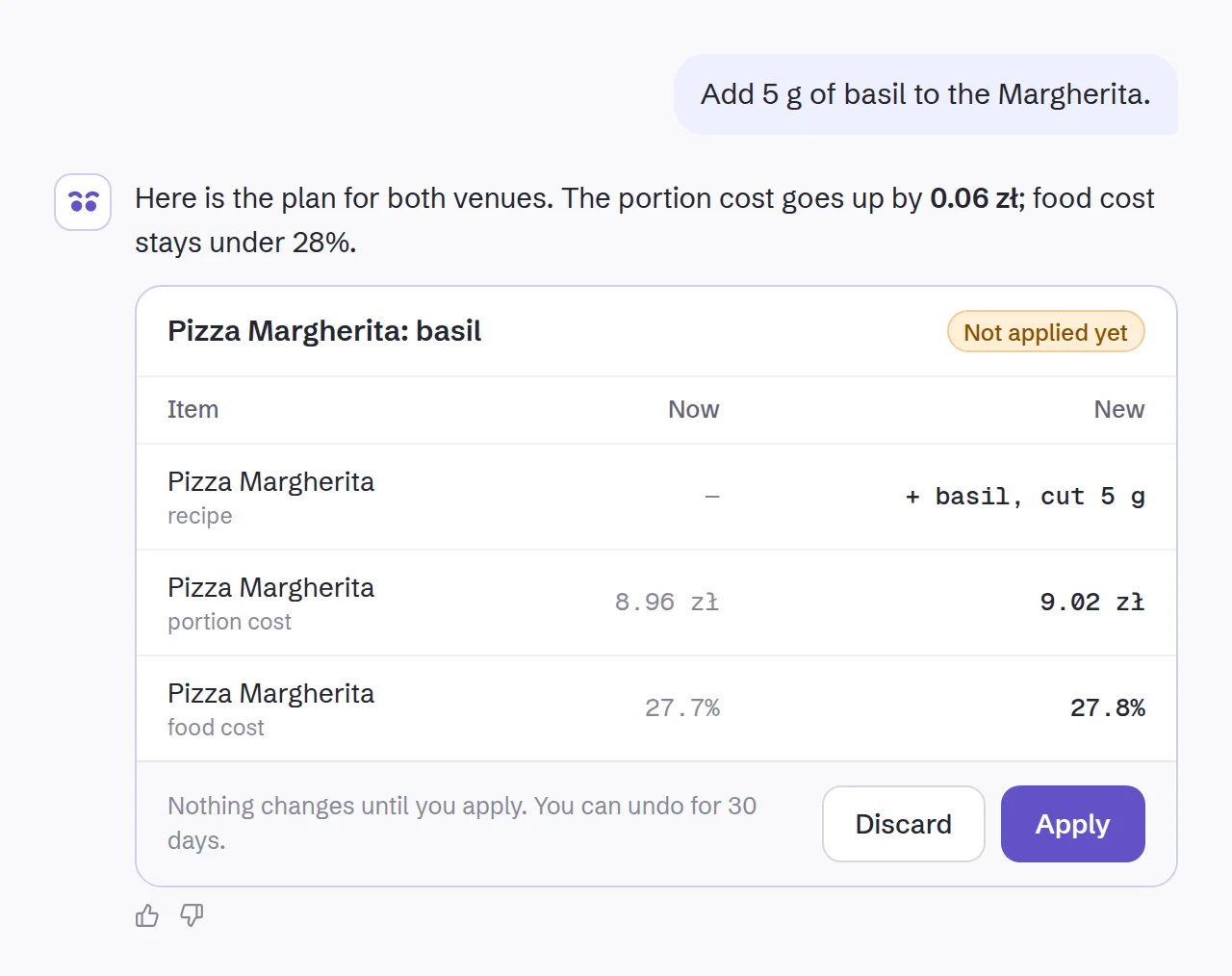
- Write, or send a file.
In the app’s top bar or on your phone, the way you’d write to your manager.
- Owlly prepares a plan.
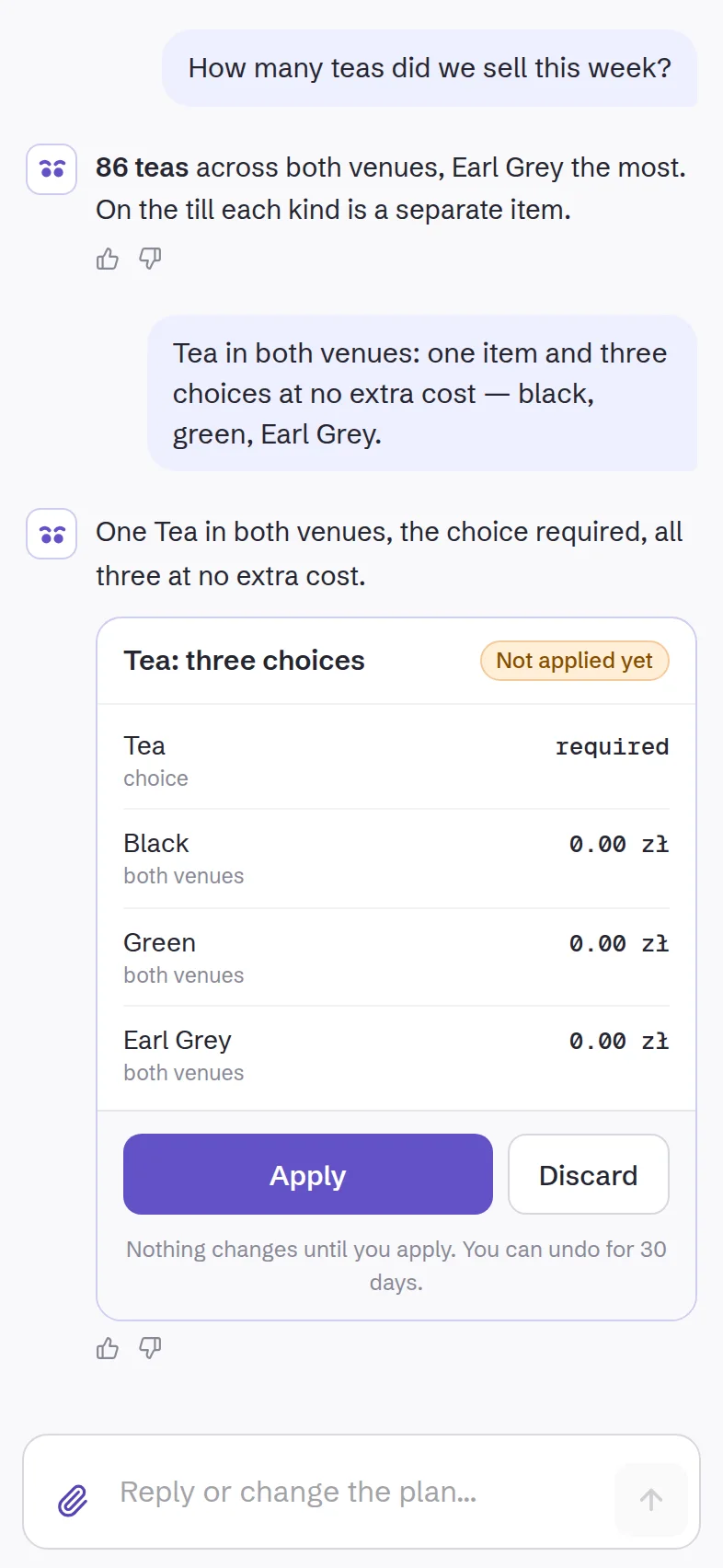
It checks your data and shows every change: what is now, what it will be.
- You press “Apply”.
The changes take effect at once, the Owlly till included. You can undo an applied plan for 30 days; if a change can’t be undone, the plan says so first.
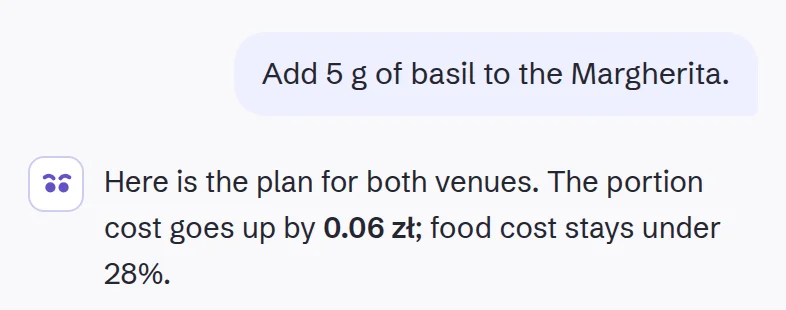
- Write, or send a file.
In the app’s top bar or on your phone, the way you’d write to your manager.
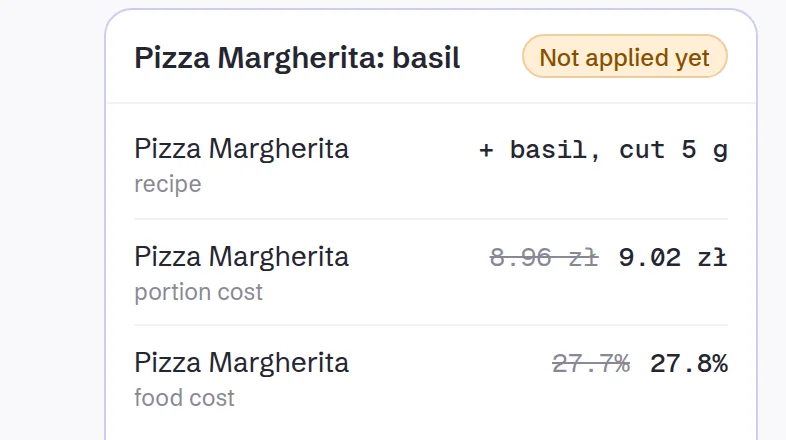
- Owlly prepares a plan.
It checks your data and shows every change: what is now, what it will be.
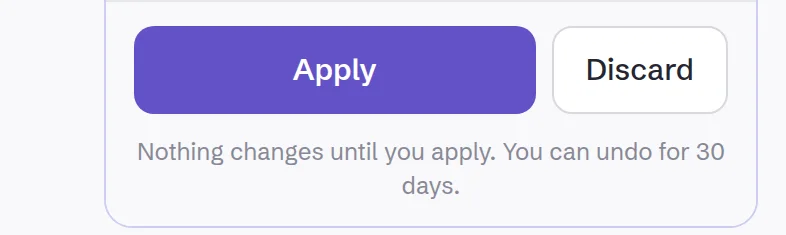
- You press “Apply”.
The changes take effect at once, the Owlly till included. You can undo an applied plan for 30 days; if a change can’t be undone, the plan says so first.
Write the way you’d write to your manager.
On every step of the loop, one sentence is enough. A few examples:
You buy · In every plan
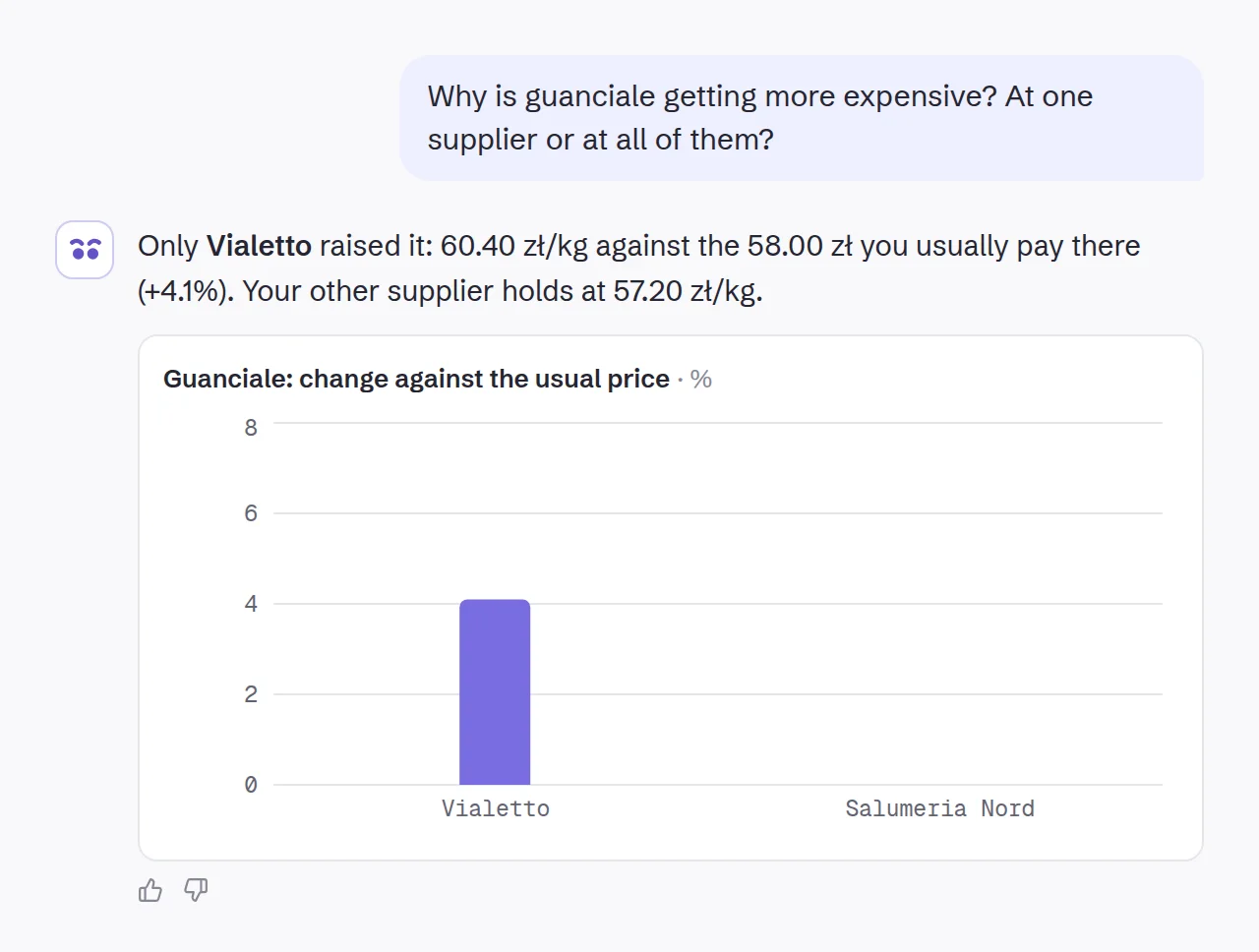
Owlly compares with the price you usually pay that supplier and shows who raised the price and by how much.
In every plan
Owlly compares with the price you usually pay that supplier and shows who raised the price and by how much.
Send what you already have.
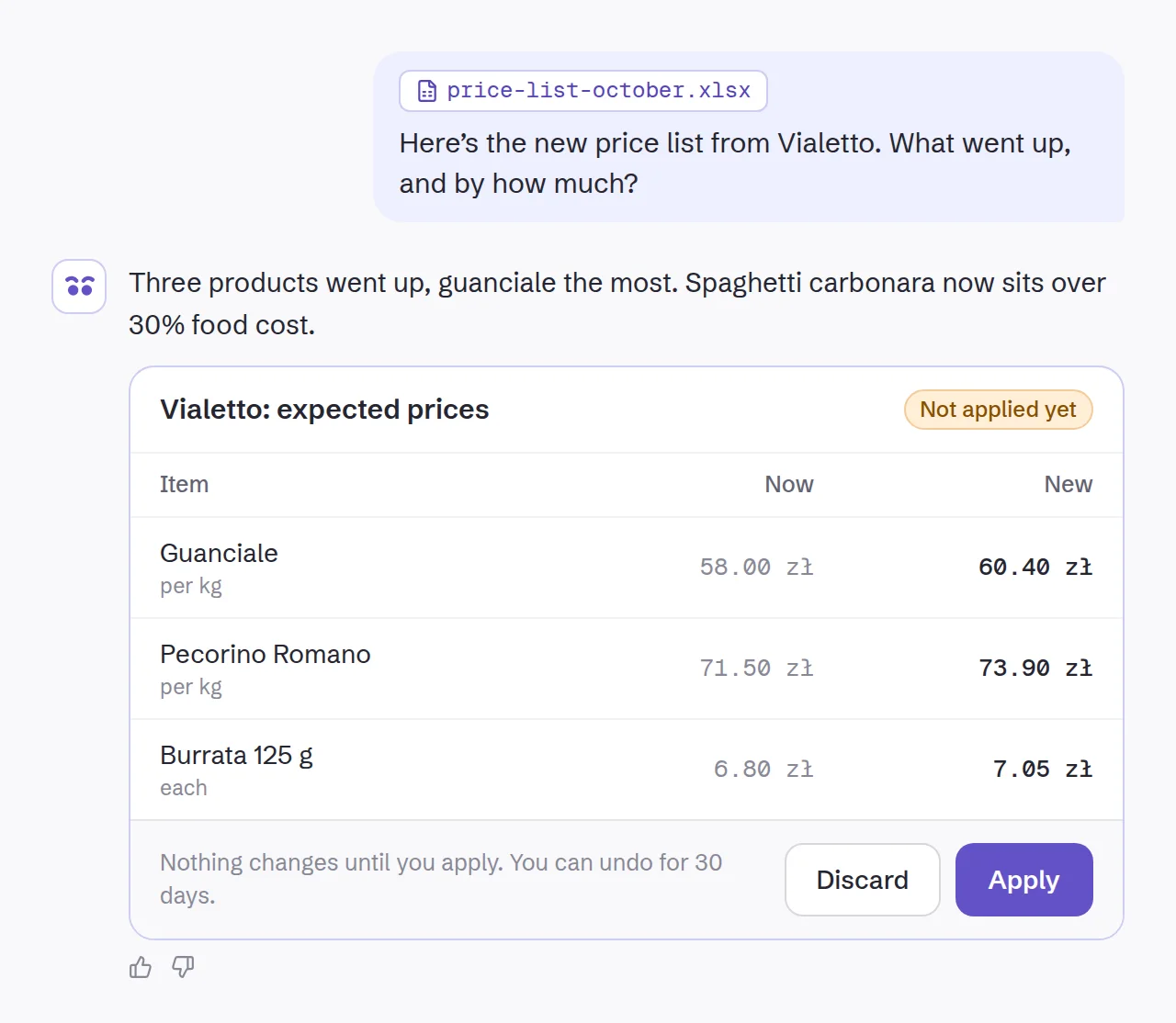
You don’t have to retype anything. Owlly reads the file and turns it into a plan to approve.
Files are used only for the task and deleted after it.
The report you ask for, as a PDF or Excel.
“Purchases from suppliers for September, per venue.” Owlly works it out from your data, draws the chart and gives you a file to download: a PDF for your partner, Excel for your accountant.
With the 199 zł plan, labour cost too: hours, gross cost and its share of sales.
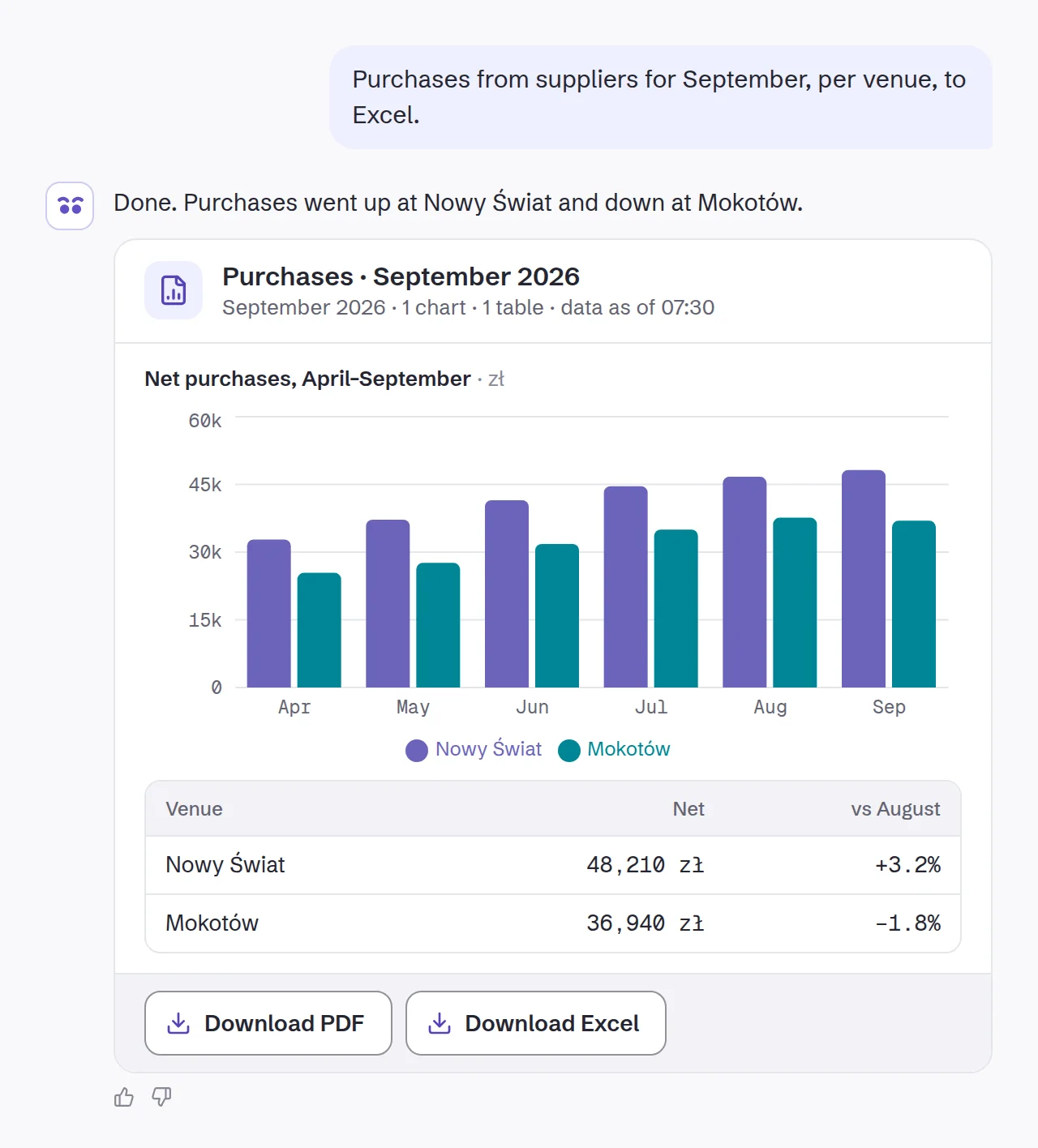
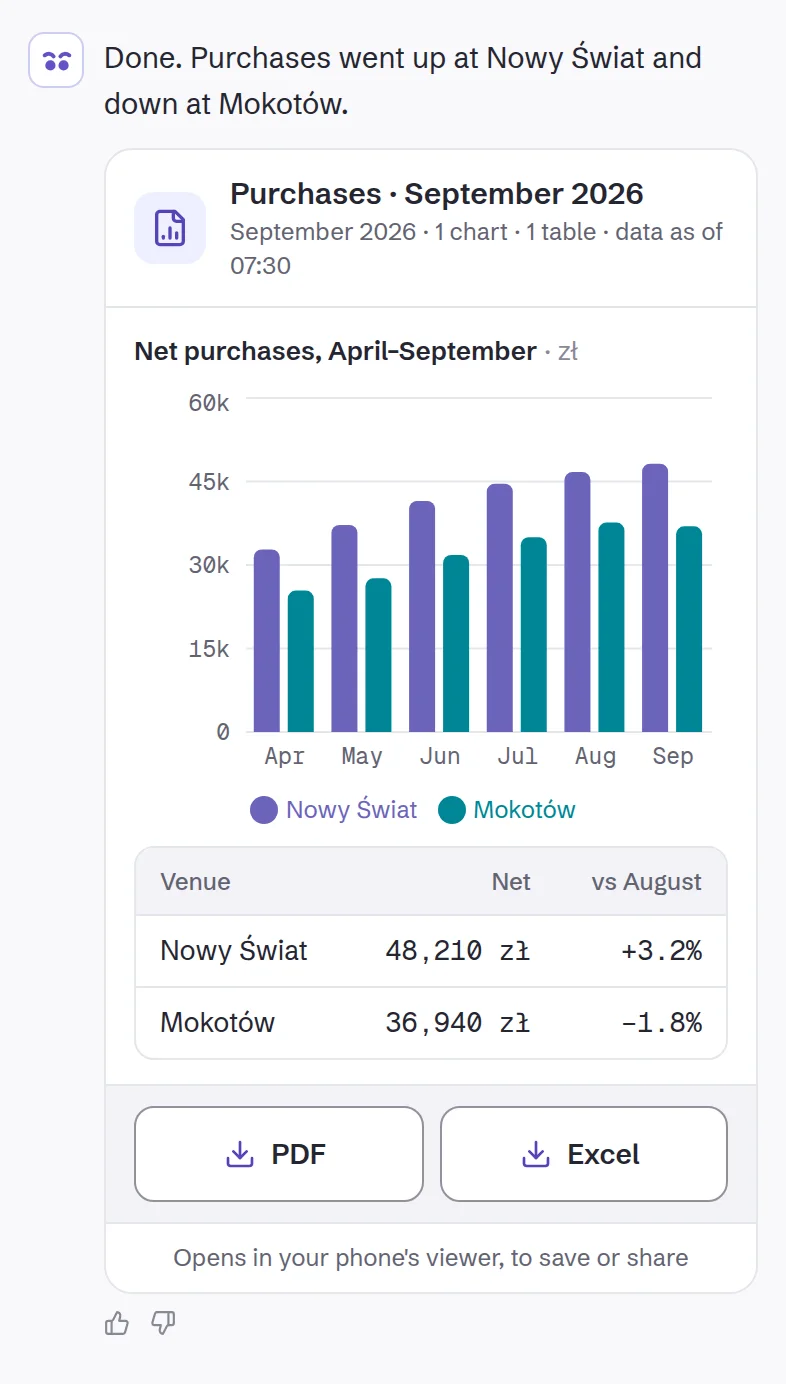
Between one table and the next.
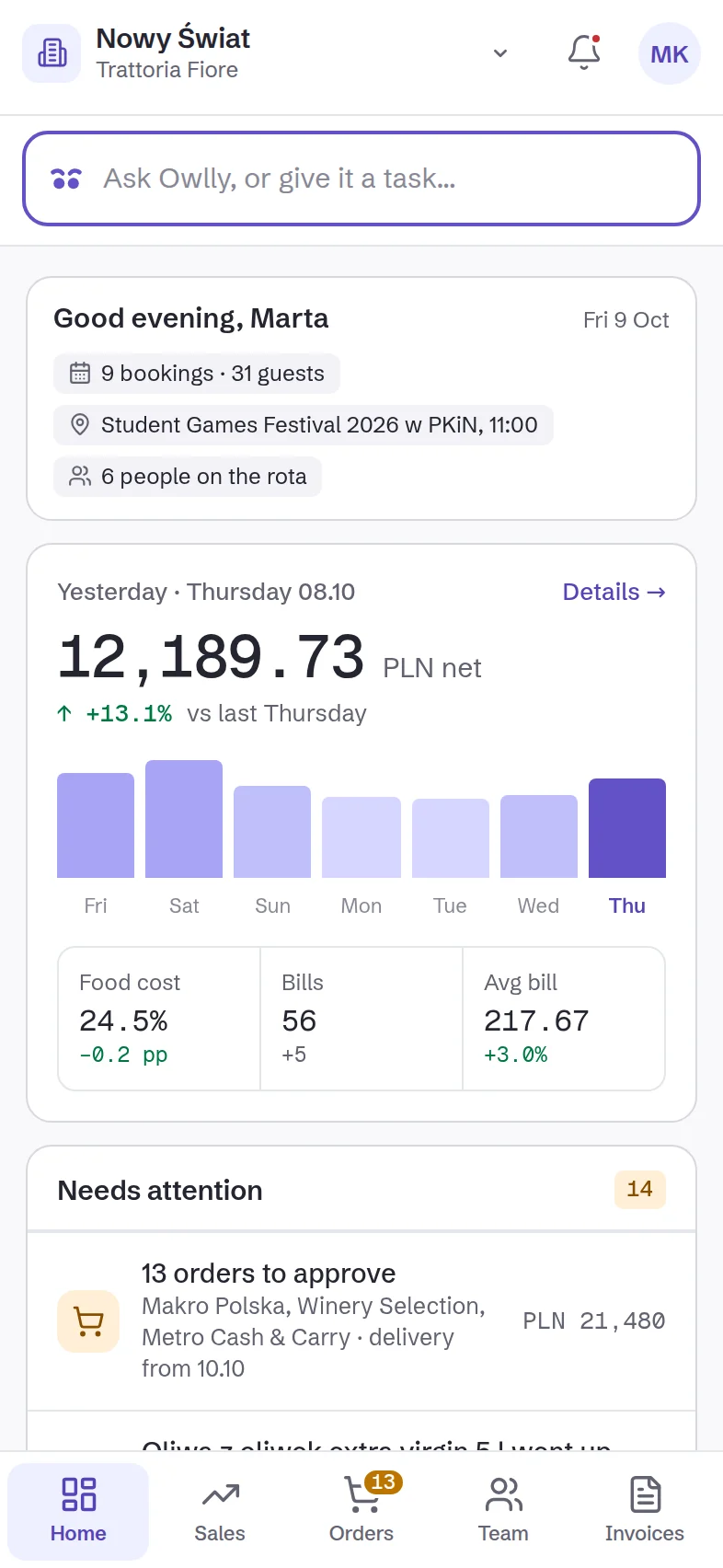
On the phone, Owlly has “Ask Owlly” on the first screen. You type or take a photo, and approve the plan with one tap.
You can close the app: the task keeps working, and the result waits when you come back.
Questions about the assistant
Who can give it tasks?
The owner, the admin and the venue’s manager, each on their own account.
What does it cost?
The assistant runs on your plan’s AI credit: 60, 100 or 150 zł a month. If it runs out, you top up whenever you like.
Does it work during the trial?
Yes, from the first day, with starter credit.
What if the plan isn’t what I wanted?
Nothing changes until you press “Apply”. Write what to fix and Owlly prepares a new plan. You can undo an applied plan for 30 days.
Which language can I write in?
The language you use the app in: Polish or English.
Can I switch it off?
Yes. In Settings › AI credits you set it like any AI feature: automatic, ask first or manual.
Write your first task today.
14 days free · no card
Know your numbers.