Alongside the loop · from 199 zł
A rota with labour cost on every shift.
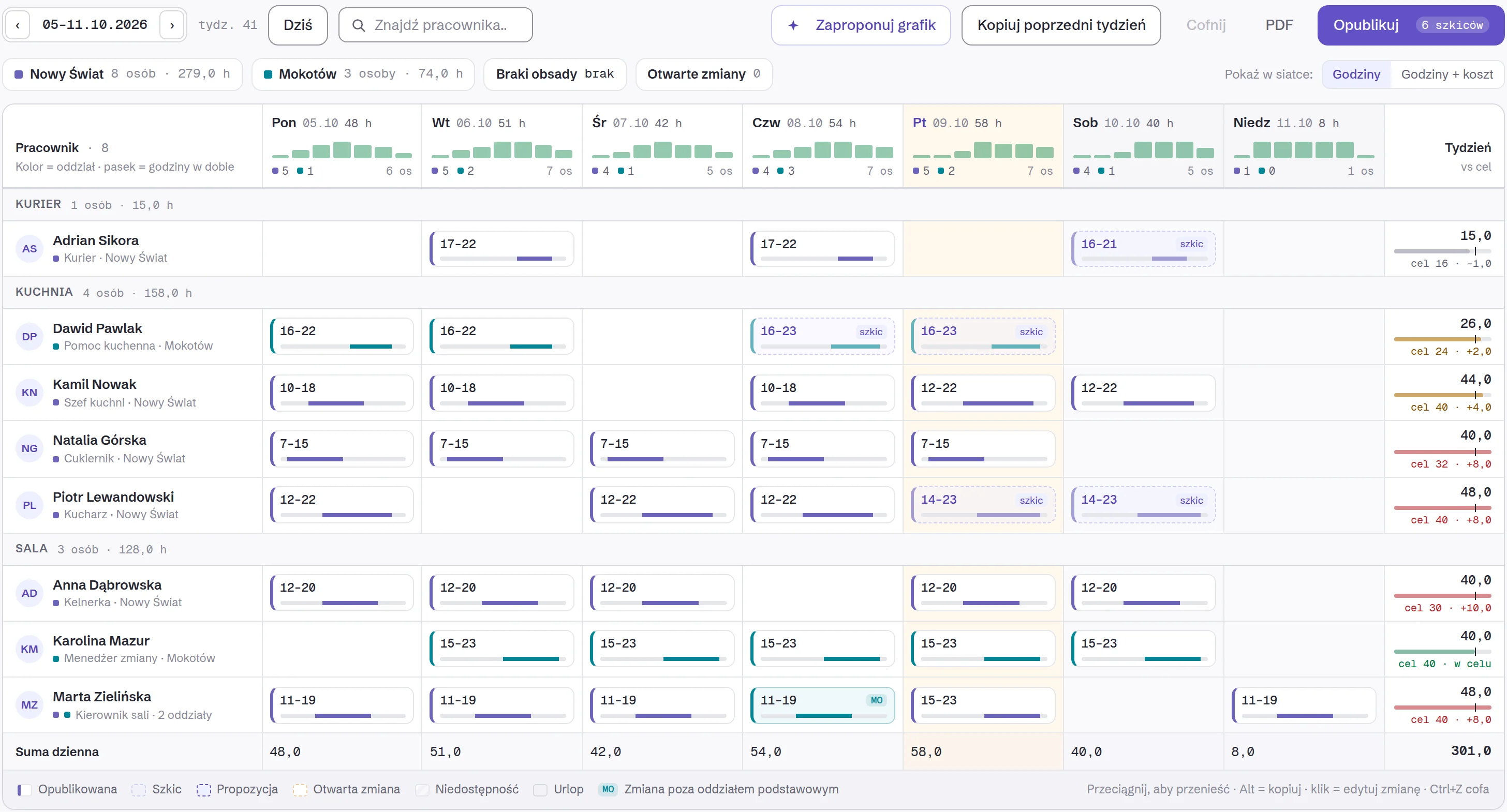
Owlly proposes the rota from past weeks, templates and the venue’s needs. You move people and publish.
14 days of the whole back office free · no card · no setup fee
How do you know who can work?
The team enters availability and day-off requests in the Owlly Staff app, and you see them as you build the rota.
When you publish, only the people whose shift changed are notified.
Does this replace payroll?
No. Owlly counts hours and gross labour cost for staffing decisions. Payroll, social insurance and contracts stay with your accountant.
Hour corrections an employee reports are approved by the manager.
Questions
Can an employee see others’ rates?
No. In Owlly Staff everyone sees their own shift, their own hours and their own pay. Others’ rates are only on the manager’s and owner’s side.
Can the rota cover several venues?
Yes. A fixed salary follows the employee’s card, so the same person at two venues is one labour cost, not two.
Which plan has the rota?
The AI Cost & HR Management plan, 199 zł net per venue, with Owlly Staff and the HACCP temperature log.
See a shift’s cost before you publish it.
AI Cost & HR Management: 199 zł net per venue. 14 days of the whole back office free, no card.
Know your numbers.